
Mar 29, 2026
Payroll Setup Checklist for New Philippine Businesses
Step-by-step payroll checklist for Philippine businesses hiring their first employees. BIR, SSS, PhilHealth, Pag-IBIG registration and first payroll run.
You just signed your first hire. They start Monday. Somewhere between the handshake and the paperwork, a thought hits you: you're now responsible for computing pay correctly, deducting government contributions, remitting to three different agencies on time, and keeping records that DOLE can ask to see at any point.
It's a lot of new ground to cover at once. But it follows a clear sequence. Here's the full checklist, in order, so nothing falls through the cracks.
Register as an employer with four agencies
Before you can run payroll, you need to be registered as an employer with BIR, SSS, PhilHealth, and Pag-IBIG. Each has its own process.
BIR registration
If you're already registered as a sole proprietor or corporation, you still need to update your registration to reflect that you now have staff. File BIR Form 1902 for each new hire and ensure your own Certificate of Registration shows employer status.
You'll withhold income tax from compensation and remit monthly using BIR Form 1601-C. At year-end, file Form 1604-C and give each team member a BIR Form 2316.
SSS registration
Register at the nearest SSS branch or online through the SSS employer portal. Bring your BIR Certificate of Registration, DTI/SEC registration, and a completed R-1 form (Employer Registration).
Once registered, you'll get an SSS employer number. You'll use this every time you remit. Remittance is due by the last day of the month following the applicable month.
PhilHealth registration
Register at the nearest PhilHealth office using the ER1 form (Employer Data Record). Same supporting documents: BIR COR, DTI/SEC registration, and valid ID.
PhilHealth contributions follow the Universal Health Care Act schedule, which increases the premium rate annually. Remittance is due by the 15th or 25th of the following month, depending on your employer number.
Pag-IBIG registration
Register at a Pag-IBIG Fund branch or online through Virtual Pag-IBIG. Submit the Employer's Data Form (EDF), BIR COR, and DTI/SEC registration.
The standard Pag-IBIG contribution is 2% from the team member and 2% from the employer, based on monthly compensation up to a capped amount.
Collect each team member's government numbers
Before you can remit contributions, you need each person's SSS number, PhilHealth number, Pag-IBIG MID number, and TIN. If someone doesn't have these yet, they need to register individually with each agency.
Collect these during onboarding along with a valid ID and a BIR Form 2305 or 2316 from their previous employer, if applicable. Don't skip this step. You cannot remit contributions without the correct member numbers.
Set up your payroll schedule
The standard payroll frequency in the Philippines is semi-monthly, meaning two payroll periods per month. The Labor Code requires wages be paid at least twice a month, with intervals not exceeding sixteen days.
Most businesses use one of these combinations:
| Cutoff period | Common payday |
|---|---|
| 1st - 15th | 20th or 25th |
| 16th - end of month | 5th or 10th of next month |
Pick a schedule and stick with it. Changing cutoff dates mid-year creates confusion and computation headaches.
You also need to decide when to apply government deductions. Some businesses deduct all contributions from the first cutoff. Others split them across both, or deduct only from the second. There's no legal requirement for which cutoff to use, but be consistent so your team knows what to expect.
Choose an attendance tracking method
How you track attendance directly affects payroll accuracy. The method you pick determines how much manual work goes into each cutoff.
Manual logbook works for very small teams, but you'll count hours and overtime by hand every period. Biometric devices are more accurate but require hardware and someone to manage the device. Software-based tracking lets your team clock in via a kiosk, phone, or portal, and the attendance data flows directly into payroll with no cross-referencing.
Whatever you choose, make sure it captures clock-in time, clock-out time, and any overtime. You need this data to compute daily-rate items correctly.
Run your first payroll
With registrations done and your schedule configured, here's what happens each cutoff:
Review attendance for the period. Compute gross pay based on hours worked, overtime, and any applicable premiums like holiday pay, night differential, or rest day rates. Deduct government contributions (SSS, PhilHealth, Pag-IBIG) using the current tables. Compute withholding tax on the remaining taxable income. Apply any other deductions: loans, cash advances, absences. Arrive at net pay. Generate payslips. Pay your team.
For your first run, double-check every number against the published tables. It takes longer, but catching errors now prevents them from compounding over future periods.
After the first run
Set reminders for remittance deadlines. SSS, PhilHealth, and Pag-IBIG all have different due dates, and late remittance carries penalties. Keep records of every payroll run, payslip, and remittance receipt. DOLE can request these during an inspection.
The first payroll is the hardest because everything is new. Once your process is in place, each cutoff follows the same steps.
How Timekeep handles setup
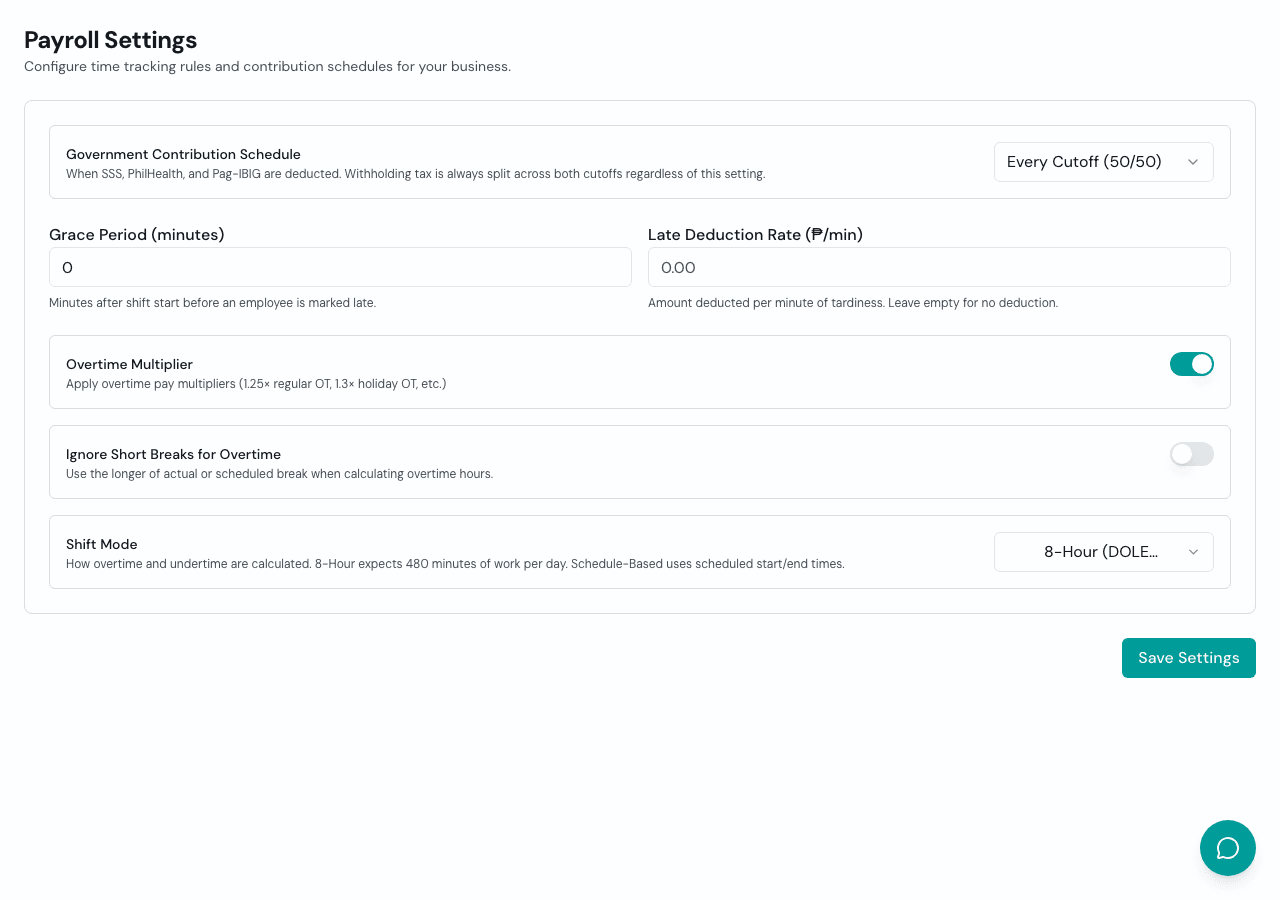
Timekeep lets you configure your cutoff schedule, paydays, and deduction timing during initial setup. Attendance from the built-in kiosk and employee portal syncs directly to payroll. When you run a period, Timekeep computes gross pay, applies current contribution tables, sequences tax correctly, and generates payslips your team can view on their own.
One less thing on your plate
You started a business to serve customers, not to become a payroll expert. Getting the setup right means every cutoff after the first one is just review, approve, and move on.
Try it free for 30 days at timekeep.ph. No credit card required.